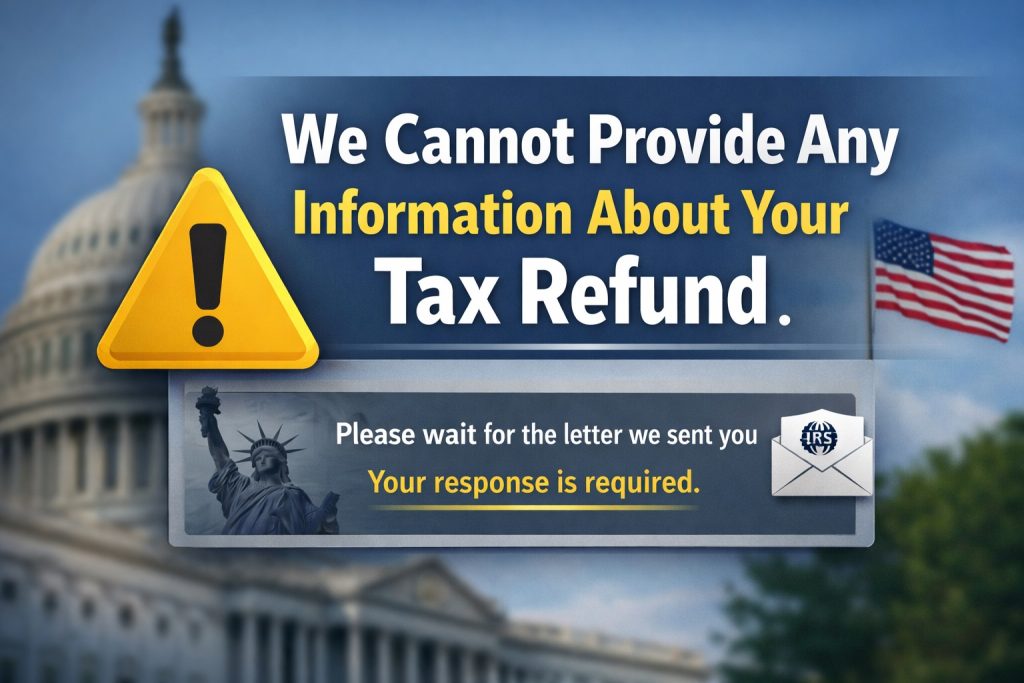
The Most Frustrating IRS Message — Explained
When you check Where’s My Refund and see:
“We cannot provide any information about your refund.”
it feels like a dead end.
Unlike other WMR messages, this one is an access or identity-validation issue, not a return-processing status.
Let’s break down EXACTLY what this means, why it happens, and how to fix it fast.
The Real Cause of The Message
This message is triggered when the IRS system cannot confirm your identity or cannot match your input to an active return on file.
It usually means one of the following:
1. Wrong refund amount entered
Many taxpayers enter the refund amount from their tax software estimate, not the actual amount on the IRS-received return.
Even a $1 difference triggers this message.
2. IRS has not loaded your return into the system yet
This commonly happens:
- within the first 24–72 hours after acceptance
- with early January returns
- with paper-filed returns
- after system maintenance
The IRS literally cannot display refund info because nothing has been posted yet.
3. You used the wrong filing status
Examples:
- Used Married Filing Joint when IRS has MFJ but reversed names
- Used Head of Household when IRS sees Single
- Entered incorrect primary SSN order on a joint return
This mismatch triggers the message.
4. IRS identity protection flag
If you:
- recently moved
- changed banks
- had identity theft in the past
- had rejected prior returns
- didn’t use an IP PIN when one was required
The IRS will block refund access until verified.
5. You’re trying to check too early
For the first few days after acceptance, WMR may display:
“We cannot provide any information about your refund.”
This isn’t a problem — it’s simply too soon.
The FIX: How to Resolve It
Step 1 — Check Your Return Status Through Your IRS Online Account
The IRS Online Account gives the most accurate status.
If you see TC 150, your return is logged into the system.
If you see nothing, the IRS has not yet fully ingested it.
Step 2 — Verify You Entered the EXACT Refund Amount
Use the exact line from your filed Form 1040:
Line 35a: Refund Amount
Not what your software predicted.
Not what you think you should get.
Not a rounded number.
Not after bank fees.
The IRS matches it digit-for-digit.
Step 3 — Wait for Transcript Codes
As soon as the IRS posts:
- TC 150 — Return Filed
you will begin to see data updates.
Step 4 — If You Previously Had an IP PIN
You MUST use it.
Failing to enter a required IP PIN locks access entirely.
Step 5 — If 7 days have passed and message persists
It may mean:
- return unpostable
- return rejected and not processed
- SSN mismatch
- deeper identity validation
At that point, calling makes sense.
When You SHOULD Call the IRS
Call if:
- This message persists for 7+ days after acceptance
- You confirmed refund amount is correct
- Your transcript shows no return received
- You suspect someone filed a fraudulent return
The IRS identity verification line may be needed if an identity block is active.
Special Case: Paper Filers
For mailed returns, this message can appear for:
- 2–4 weeks (normal)
- up to 8 weeks (during peak season)
Paper returns are digitally scanned by hand, and until the IRS keys them into the system, no information exists to show you.
What This Message Does NOT Mean
It does NOT mean:
- You are denied a refund
- Refund is rejected
- You are under audit
- Your return is lost forever
- You owe taxes
- You made a big mistake
It ONLY means the IRS cannot authenticate enough data to display refund details.
Practical Example
A taxpayer enters:
- refund amount: $5,408
But IRS adjusted their return to:
- refund amount: $5,357
Even though the IRS has already accepted and is processing the return…
WMR will show:
“We cannot provide any information about your refund.”
until the correct $5,357 is entered.
Key Takeaway
When you see:
“We cannot provide any information about your refund.”
it usually means:
- you entered incorrect data
or - your return hasn’t fully loaded into the IRS system yet
In most cases, the solution is simply:
- wait 24–48 hours
- verify your exact refund amount
- check your IRS transcript instead of WMR
