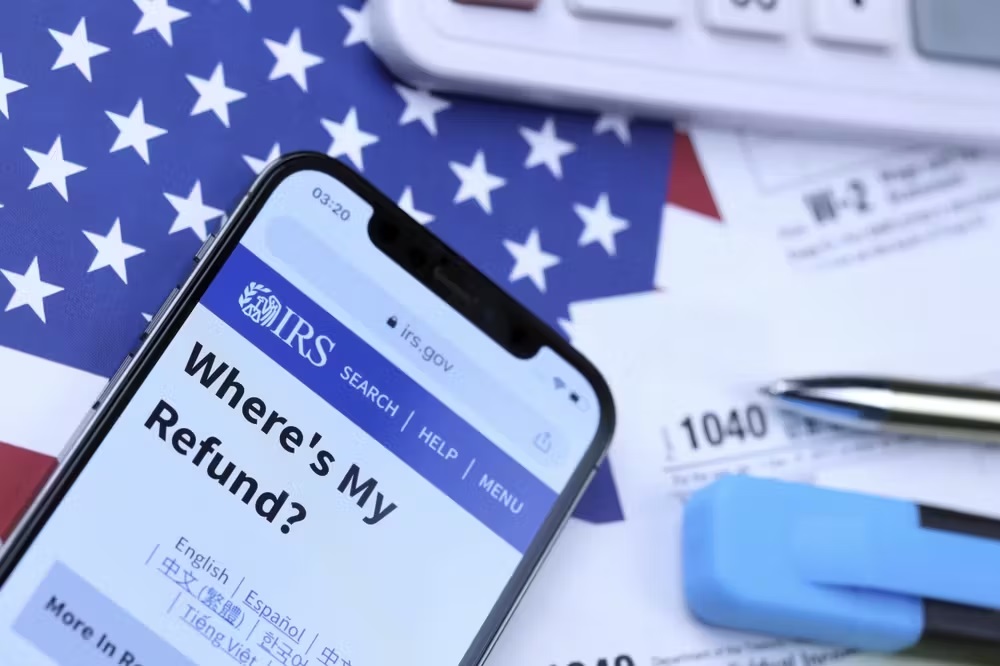
If you’ve recently filed your tax return and are eagerly tracking its progress, you might be checking theIRS Get Transcript toolor theWhere’s My Refund?(WMR) system for updates. One common question taxpayers have is:How long does it take for my tax return to show up in the IRS system, and when will I start seeing updates on my tax transcripts?
The IRS follows a structured processing timeline, and understanding how it works can help set the right expectations for when your return will move through the system.
IRS Acknowledges Your Tax Return
Once you submit your tax return—either electronically or via paper—one of the first signs of progress is when the IRS officially recognizes it in their system. Fore-filed returns, this typically happens within24 to 48 hoursafter submission, while paper-filed returns can take several weeks to be logged.
Where You Can Check:
- Where’s My Refund?– This tool will update once your return has been received and starts processing.
- IRS Get Transcript Tool– Your tax record may not appear immediately, but once processing begins, you’ll see updates over time.
Tax Transcripts Begin to Populate
Once the IRS accepts your return, it moves into the processing phase. However, tax transcripts do not update instantly. Typically, it takes7 to 10 daysafter the IRS first recognizes your return before you see any updates on yourTax Account Transcriptvia the Get Transcript tool.
What to Expect in This Stage:
- Yourtransaction codes (TC)will start appearing, showing the IRS’s actions on your return.
- Thecycle codewill indicate your return’s processing batch and potential refund timeline.
- If applicable, yourrefund issue datewill populate after full processing.
Regular Transcript Updates Every Week
The IRS processes tax returns in weekly and daily cycles:
- Daily Accounts:Some taxpayers (especially e-filers) have their transcripts updatedaily, meaning new information may appear sooner.
- Weekly Accounts (“Weekly Batch Processing” – WMR Updates on Saturdays):Other returns are processed inweekly batches, meaning transcript updates occur only once per week.
When to Check for Updates:
- Daily accountsmay see transcript changesMonday through Friday.
- Weekly accountsusually see transcript updateson Fridays, with WMR reflecting changes onSaturday mornings.
Your Refund Status Updates on WMR
Once processing is complete, your WMR status will typically move from“Being Processed”to“Approved,”and your transcript will show an846 Refund Issuedcode—this confirms your refund has been sent.
Typical Timeline After Filing:
- 1-2 days– IRS acknowledges receipt of your return (e-filed).
- 7-10 days– Transcripts start showing updates with processing dates and codes.
- 2-3 weeks– Refund approvals begin, and direct deposit dates appear (for most early filers).
Final Thoughts: Be Patient & Check Wisely
The IRS handlesmillionsof returns each year, so processing times may vary. If you don’t see immediate updates,don’t panic—as long as your return was accepted and there are no errors, updates will follow in due time.
Pro Tip:Check yourtranscripts on Fridaysfor the latest updates and yourWMR tool on Saturday morningsif you’re part of a weekly processing cycle!
